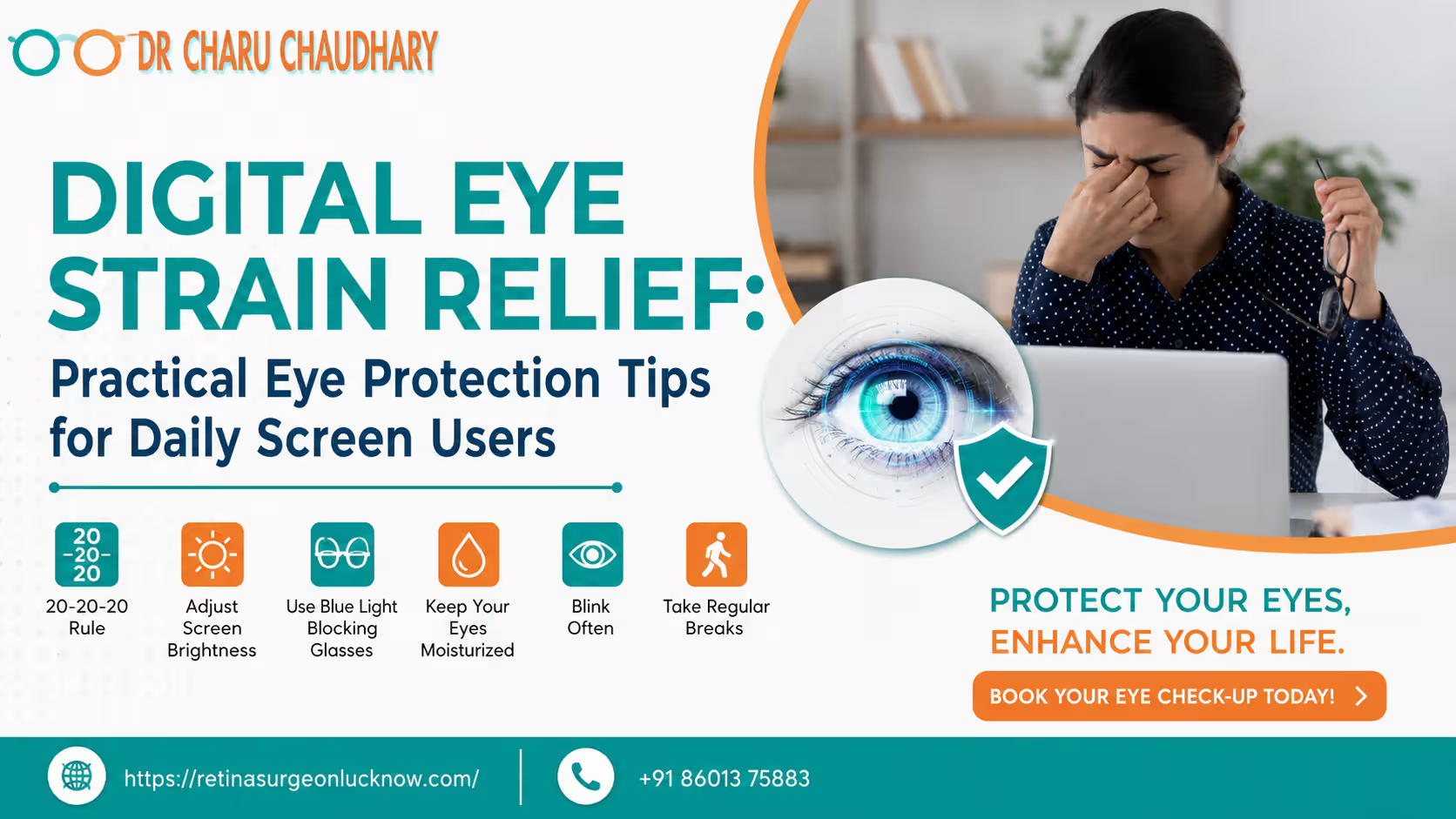
In the modern era, our lives are intrinsically linked to digital displays. From the moment we wake up to the minute we go to bed, we move from smartphones to laptop screens, tablets, and televisions. While this digital revolution has brought immense convenience and connectivity, it has also introduced a significant challenge for our ocular health: eye strain from screens. Whether you are a software professional in Lucknow, a student attending online classes, or someone who enjoys late-night scrolling, your eyes are likely working harder than they ever have before. At the clinic of Dr. Charu Chaudhary, a trusted eye specialist in Lucknow, we have seen a dramatic rise in patients complaining of “tired eyes,” persistent headaches, and dry sensations. These aren’t just minor inconveniences; they are signs that your visual system is being pushed beyond its natural limits. Understanding how to manage this digital fatigue is essential for maintaining long-term vision health and daily productivity. Eye strain from screens can cause dry eyes, headaches, blurry vision, and fatigue due to prolonged digital exposure. Healthy screen habits, regular breaks, proper lighting, and eye care practices may help reduce digital eye strain symptoms. What Is Digital Eye Strain? Digital Eye Strain (DES), often referred to medically as Computer Vision Syndrome (CVS), is a group of eye and vision-related problems that result from prolonged computer, tablet, e-reader, and smartphone use. Unlike reading a printed page, digital screens emit light, flicker slightly, and often have glare. This requires our eye muscles to constantly adjust and refocus, leading to exhaustion. When you look at a screen, your eyes must maintain a specific level of tension to keep the image sharp. This is much like holding a heavy weight at arm’s length; eventually, the muscle begins to ache. Because digital characters are made of pixels rather than solid ink, they have less contrast and “softer” edges, making it even harder for the brain to process the image, further increasing the demand on the visual system. Common Symptoms of Eye Strain from Screens Many people experience symptoms of digital eye strain without realizing the root cause. If you spend more than two hours a day on a device, you may notice: Why Screens Affect Eye Health To protect your vision, it is vital to understand the “why” behind the strain. Several factors contribute to the discomfort we feel after hours of digital usage. 1. The Blinking Problem Under normal circumstances, humans blink about 15–20 times per minute. Blinking spreads a fresh layer of tears across the cornea, keeping it moist and clear. However, when we concentrate on a digital screen, our blink rate drops significantly. This leads to “tear film instability,” where the moisture on the eye evaporates faster than it can be replaced. 2. Blue Light Exposure Digital devices emit High-Energy Visible (HEV) light, commonly known as blue light. While the sun is the largest source of blue light, the proximity of our screens and the duration of exposure are what concern eye specialists. Blue light can scatter more easily, reducing contrast and forcing the eyes to strain to see clearly. Furthermore, exposure to blue light in the evening suppresses melatonin, the hormone responsible for sleep. 3. Glare and Reflections Light reflecting off your screen from overhead lamps or windows creates glare. This forces your eyes to work harder to distinguish the text from the background reflections. 4. Poor Ergonomics The distance and angle at which we hold our devices matter. Laptops are often placed too low, and smartphones are held too close, forcing the eyes into an unnatural inward-turning position (convergence) for long periods. 📊 Digital Eye Strain Symptoms vs. Healthy Eye Habits Understanding the relationship between your habits and your symptoms is the first step toward relief. Use the following chart to identify changes you can make today. Common Problem Possible Cause Healthy Habit Dry Eyes Reduced blinking during screen use Blink consciously and use artificial tears Headache Screen glare and high brightness Adjust brightness and use anti-glare filters Blurry Vision Long focus time at a fixed distance Follow the 20-20-20 rule Eye Fatigue Excessive screen time without rest Take regular 5–10 minute breaks Neck Pain Poor posture (slouching) Use ergonomic seating and monitor stands Note: While these habits significantly reduce discomfort, persistent issues should always be evaluated by a professional like Dr. Charu Chaudhary to rule out underlying refractive errors. Step-by-Step: How to Reduce Eye Strain from Screens Protecting your eyes doesn’t require expensive equipment; it requires consistency. Here is a practical guide to creating a vision-friendly digital environment. Step 1: Follow the 20-20-20 Rule This is the “gold standard” of digital eye care. Every 20 minutes, look at something 20 feet away for at least 20 seconds. This allows the ciliary muscles inside your eye—which are responsible for focusing—to relax. Looking into the distance is like stretching your legs after a long flight; it releases the built-up tension. Step 2: Adjust Screen Brightness and Contrast Your screen should not be a light source that competes with the room. If your screen looks like a glowing light bulb in a dark room, it’s too bright. If it looks dull or grey, it’s too dark. Aim to match the screen’s brightness to the surrounding ambient light. Also, ensure the contrast is high (black text on a white/off-white background is usually best for the eyes). Step 3: Increase Blinking Frequency Post a “Blink!” sticky note on your monitor. Whenever you see it, take three slow, full blinks. This simple act re-lubricates the eye and prevents the burning sensation associated with eye strain from screens. Step 4: Maintain Proper Viewing Distance For desktop and laptop users, the screen should be about an arm’s length (20–28 inches) away from your face. The center of the screen should be about 10–15 degrees below eye level. This positioning reduces the amount of the eyeball exposed to the air, which helps minimize evaporation of the tear film. Step 5: Use Artificial Tears if Recommended If you live in a dry climate (like parts of Uttar Pradesh during summer)